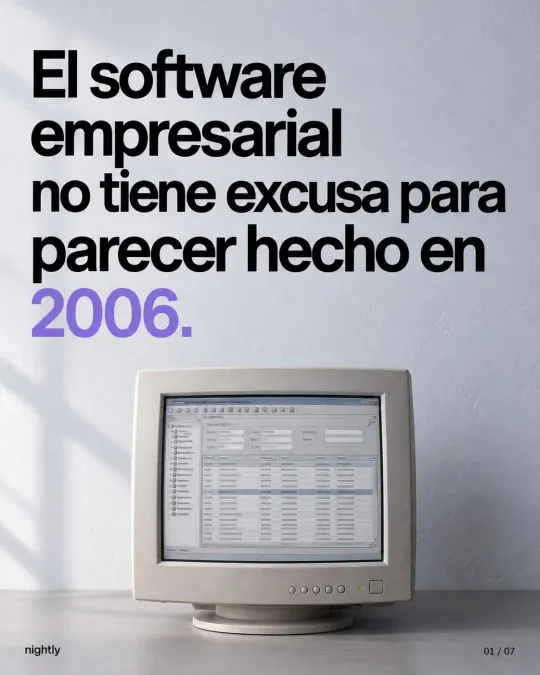
Systems that run themselves: what to automate first in your business
Reminders, low-stock alerts, reports that arrive on their own and data entered once. How to choose what to automate first without losing control.
What is a system that runs itself?
It’s a process that moves forward without anyone having to remember to push it. We’re not talking about robots. We’re talking about simple rules that run every time: “when an order ships, let the customer know,” “when an invoice hits 30 days, send a reminder,” “every Monday at 8 a.m., send the sales report to management.”
That’s why we call them systems that don’t forget. A busy person gets distracted, gets sick or goes on vacation. A well-built rule runs on Monday, on Saturday and at 3 a.m. The value isn’t just speed. It’s that the task happens every time, the same way, and leaves a record.




Does automation mean replacing your team?
No. Automation takes over tasks, not people. Growth doesn’t come from hiring more hands; it comes from freeing up the ones you already have. In 2017, a global study by the McKinsey Global Institute found that fewer than 5% of occupations could be fully automated, but almost every occupation had some part that could be: about half of all the activities people are paid to do. The most exposed were physical work in predictable settings, and collecting and processing data.
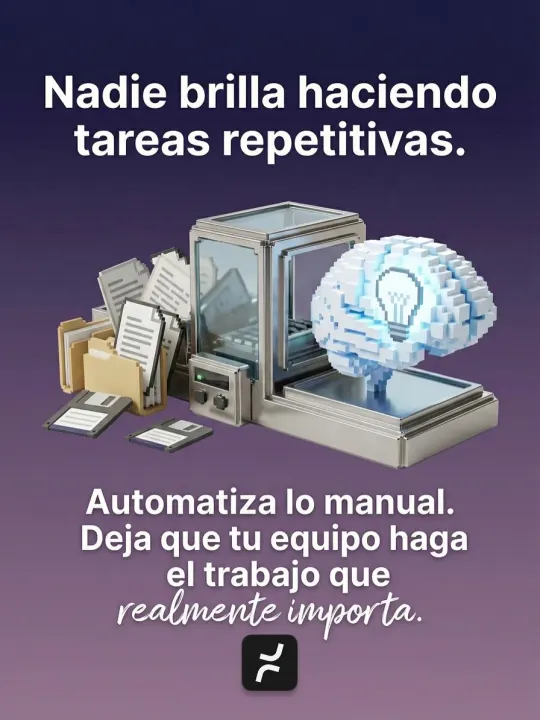
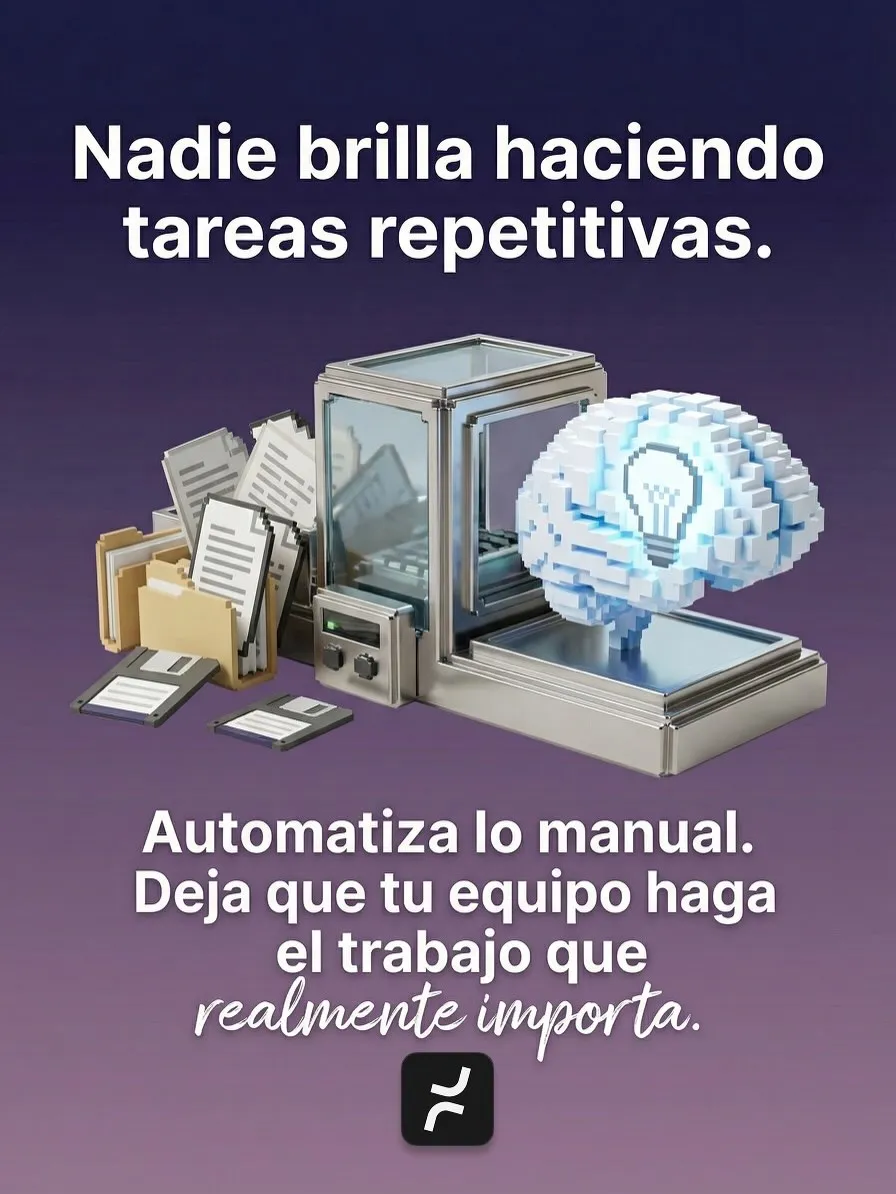
Collecting and processing data is exactly what fills the day in a lot of offices: entering orders, copying data from one file to another, building reports and sending updates. Nobody shines doing repetitive work. When a system takes it over, your sales team gets back to selling, your warehouse lead gets back to running the warehouse and you stop chasing reports.
How do you choose what to automate first?
Ask three questions about every repetitive task:
- How often does it happen? A daily task weighs more than a monthly one.
- How long does it take? Count the real minutes, including interruptions and time spent hunting for data.
- What happens when it’s forgotten or done wrong? An upset customer, a rush purchase, a late payment.
Multiply the times by the minutes and you get the hours lost every week. Then add the cost of mistakes, which is often the biggest number. Here’s an example with illustrative figures for a distributor:
| Task | Times per week | Minutes each | Hours per week | If it’s missed or wrong |
|---|---|---|---|---|
| Confirming orders with customers | 90 | 6 | 9 | The customer calls to ask |
| Copying orders from email into the system | 60 | 4 | 4 | Data entry errors on the order |
| Checking which products are running low | 5 | 30 | 2.5 | Rush purchases or lost sales |
| Building the weekly sales report | 1 | 120 | 2 | Decisions based on stale data |
| Chasing overdue payments | 20 | 5 | 1.7 | Late collections |
Here, confirming orders and copying them into the system add up to 13 hours a week, more than a day and a half of someone’s time. That’s where you’d start. Checking stock takes less time, but one lost sale can cost more than all those hours, so it moves up the list too. You don’t need accountant-level precision. Honest estimates are enough to decide.
What can a small or midsize business automate?
Four tasks show up in almost every industry, from manufacturing to services:
- Reminders. Upcoming payments, appointments, deliveries or renewals. The system knows the date and sends the reminder without relying on anyone’s memory.
- Low-stock alerts. When an item hits its reorder point, purchasing gets a heads-up before it runs out. Our inventory control guide explains how to calculate that point.
- Reports that send themselves. Daily sales, receivables or weekly production land in your inbox at the time you choose, with the same numbers the whole team sees.
- Data entered once. An order becomes a picking or production order and then an invoice, without anyone retyping it. Every manual copy is another chance for an error.
Reminders are a good first step because they work. A Cochrane review that pooled eight studies on medical appointments found that 67.8% of patients showed up with no reminder, 78.6% with a text message and 80.3% with a phone call. Texts worked about as well as calls and cost less. A phone call ties up someone on your team; an automatic message doesn’t.
We see this in our own projects. At CelMex Unlockers, more than 3,000 services stay in sync with suppliers without manual data entry. At Executive Engineers, invoices come out of the same system where the work is managed. If your updates go out on WhatsApp, first check what you can and can’t automate there.
What shouldn’t you automate yet?
Automating a messy process just delivers the mess faster. First, make sure the task meets three conditions:
- It’s done the same way every time. If everyone handles it differently, agree on how it’s done first. That’s where documenting your processes helps.
- The data already lives in a system. If the information is in a notebook or in someone’s head, digitize that process first.
- It doesn’t require judgment. Calming down an upset customer, approving a special discount or deciding which order goes first when materials run short is still work for people.
How do you keep a person in charge?
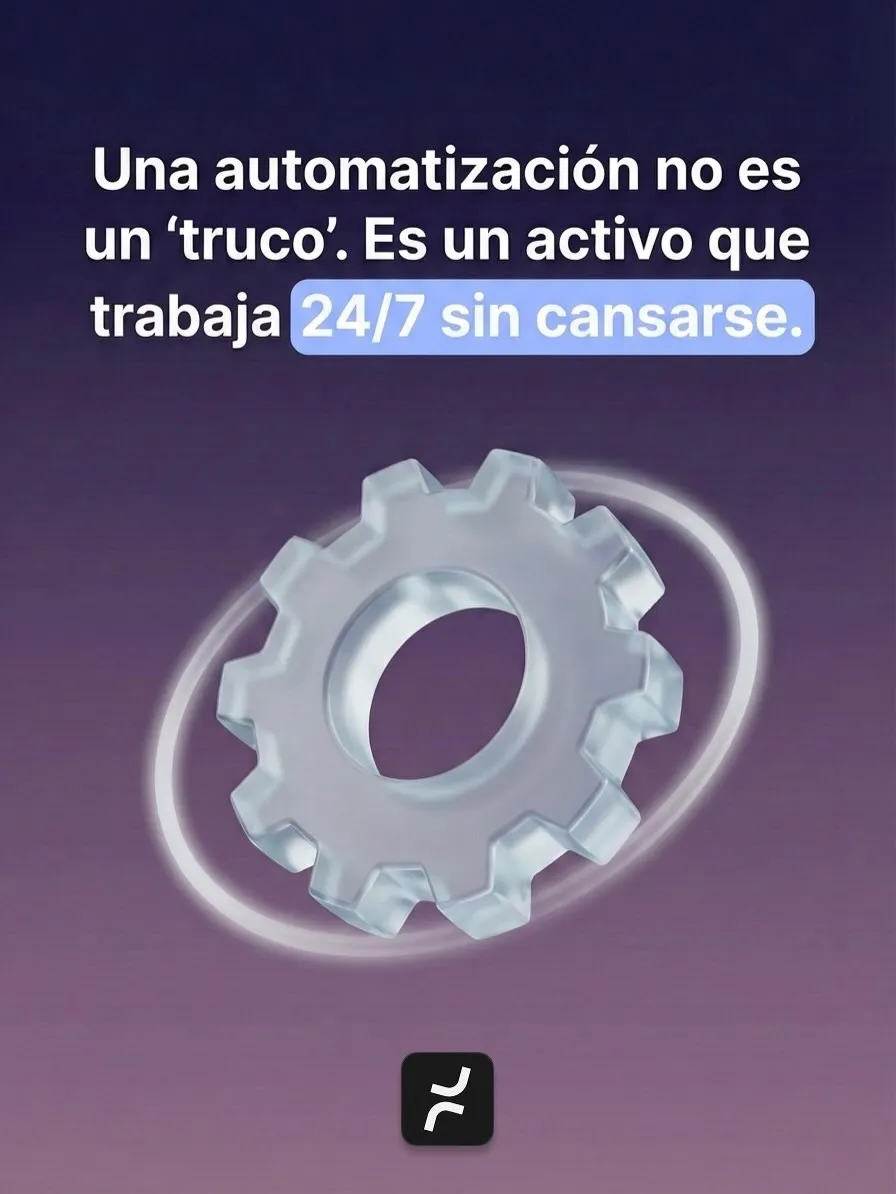
An automation isn’t a trick. It’s an asset that works 24/7 without getting tired. But like any asset, it needs an owner. Psychologist Lisanne Bainbridge explained why in a classic 1983 paper, “Ironies of Automation”: automation can expand rather than eliminate the problems of the person in charge. They’re left with exactly the cases that couldn’t be automated, and because they no longer practice the task every day, it’s harder to step in when something breaks.
To keep that from happening to you, ask for these rules in any automation:
- Exceptions go to a person. Anything that doesn’t fit the rule, like an unusual order or a partial payment, goes to someone by name.
- Approvals have limits. A small purchase can be requested automatically; above a set amount, someone signs off.
- Failures raise an alert. An email that didn’t send or a broken connection triggers a warning, not silence.
- Every step is logged. What was sent, to whom and when, so anyone can check what happened.
- The manual process stays in writing. That way, if something fails, someone still knows how to do it by hand.
At TramitesLegalesMX, for example, every paid order keeps its trail even if an integration fails, with auditing and safe recovery built in.
Where should you start?
Keep a list for one week. Every time someone on your team does something for the third time, have them write it down along with how many minutes it took. On Friday, rank the list with the three questions and pick just the top task. Once it runs without anyone pushing it, move on to the next one. Back in January, we said 2026 starts with systems that run themselves. There’s still time to end the year with one.
If you’d like help building that list, let’s talk. In a free consultation, we look at your repetitive tasks and tell you which ones to automate first and which ones aren’t ready yet. See how we approach business process automation. Pricing depends on scope, and we send it to you in writing after the consultation.
Related
Frequently asked questions
The ones that happen often, take time and cause problems when they’re forgotten or done wrong: payment or appointment reminders, low-stock alerts, weekly reports and data that gets entered twice. Multiply how often each task happens by how long it takes, and start with the one that adds up to the most hours.
It doesn’t have to. Automation takes over tasks, not jobs: the person who confirmed orders or built reports can spend that time selling, serving customers or improving operations. Exceptions and decisions stay with your team.
It depends on scope: how many tasks, which systems it connects to and how many people use it. At Nightly, we send you the price in writing after a free consultation, and most projects are ready in about a week.
Sources
- Harnessing automation for a future that worksMcKinsey Global Institute, 2017
- Mobile phone messaging reminders for attendance at healthcare appointmentsCochrane Database of Systematic Reviews, 2013
- Ironies of automationLisanne Bainbridge, Automatica, 1983
Based on our post on Instagram.
Last updated: