7 signs your business has outgrown Excel (and what to do next)
Multiple versions of the same file, changes nobody can trace, reports that mean chasing someone down. Here’s how to tell your business has outgrown its spreadsheets, and what to do next.
Why does Excel stop working as a business grows?
Because Excel is built for calculating, not for running a company. It’s a great tool for analyzing numbers, building a budget or comparing scenarios. Trouble starts when the spreadsheet ends up holding the whole operation: it began as a list of orders and now carries inventory, collections and purchasing decisions. A file doesn’t know who’s allowed to change what, doesn’t warn you when something breaks and can’t make anyone follow the process.
It’s rarely about size. A worksheet holds 1,048,576 rows by 16,384 columns, according to Microsoft. What runs out first is control. The warning sign is when your team spends more time keeping the file reliable than using the information in it: confirming which version is current, re-entering data or waiting for the one person who understands the formulas.


What are the 7 signs your business has outgrown Excel?
If several of these sound familiar, your spreadsheet is already doing a system’s job without a system’s safeguards:
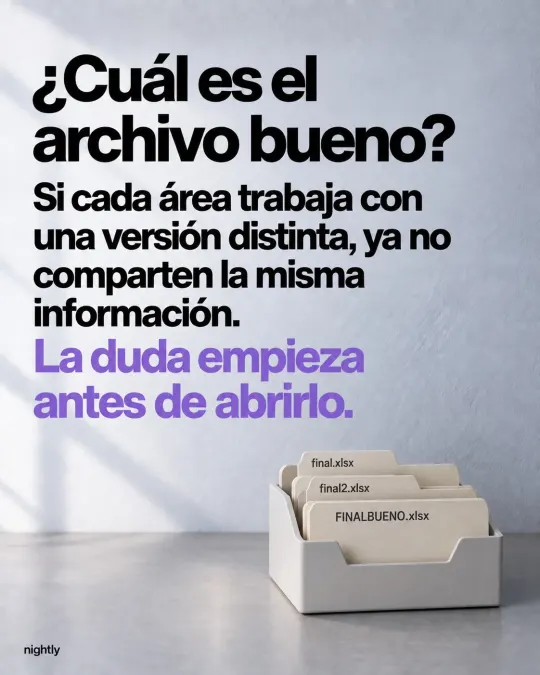
- Nobody knows which file is the right one. There’s a “final,” a “final2” and a “FINAL-FINAL.” When each team works from a different version, they’re no longer sharing the same information, and the doubt starts before anyone opens the file.
- A number changed, and nobody knows who changed it. Or why, or whether it was approved. Excel for Microsoft 365 can now show who changed what and when, but it won’t tell you the reason or whether anyone signed off. For prices, discounts or stock levels, that’s not enough.
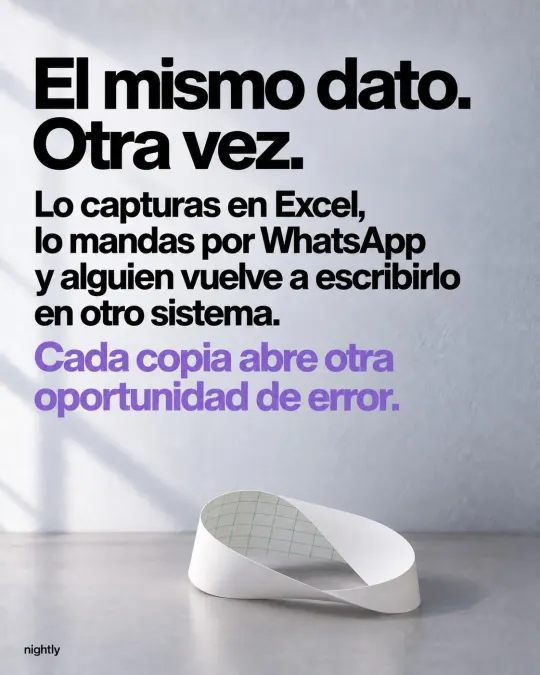
- You enter the same data again. You type it into Excel, send it over WhatsApp, and someone retypes it into another system or the invoice. Every copy is another chance for an error.
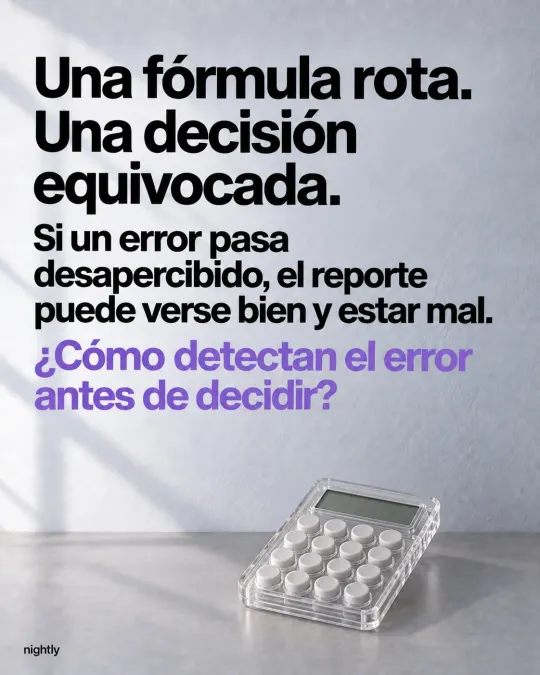
- One broken formula leads to one bad decision. If an error slips through, the report can look right and still be wrong. Often you only find out when the physical count doesn’t match the spreadsheet.
- Getting a report means chasing someone down. You ask, they prepare it, they send it, and by then something has already changed. And if the file lives on one computer, nobody can check it from the shop floor or on the road.
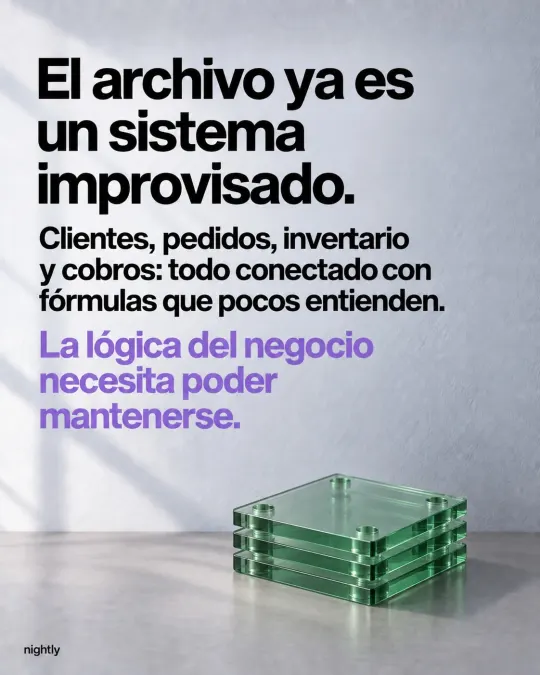
- The spreadsheet has become a makeshift system. Customers, orders, inventory and collections, all tied together with formulas few people understand. Nobody dares move a column because no one knows what else will break.
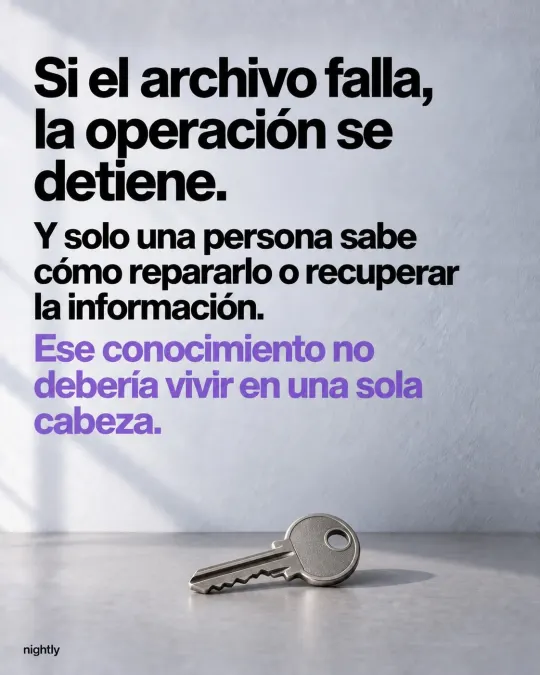
- If the file breaks, operations stop. And only one person knows how to fix it or recover the data. That knowledge shouldn’t live in one person’s head.
Recognizing several doesn’t mean you need to buy software tomorrow. It means it’s worth reviewing the process before a costly mistake makes the decision for you.
What does staying on Excel cost your business?
More than it seems, even though it never shows up on an invoice. You pay it every day in hours of double entry, rush purchases because nobody saw stock running low, forgotten orders and decisions made with last week’s numbers.
Errors are also more common than most people think. Raymond Panko, a researcher at the University of Hawaii, compiled in-depth inspections of 85 spreadsheets that companies used in their operations, and those inspections found errors in 94% of them. His conclusion: errors are rare cell by cell, but in a large spreadsheet at least one wrong bottom-line number is very likely, and the people who rely on spreadsheets are highly overconfident in them.
| What happens today | What it costs you | How a system fixes it |
|---|---|---|
| Several versions of the file | Arguments over which number is right | One source of truth for everyone |
| Changes with no trail | Discrepancies nobody can explain | Every transaction has a date, a reference number and an owner |
| Double data entry | Hours of work and copy-paste errors | Data is entered once and flows through the whole process |
| Broken formulas | Decisions based on wrong numbers | Fixed calculations and checks at data entry |
| Reports you have to ask for | Decisions based on stale information | Up-to-date reports whenever you need them |
| One file that connects everything | Nobody dares to change it | Clear business rules that are easy to maintain |
| Reliance on one person | Work stalls when that person is out | Clear processes, role-based access and backups |
If you carry inventory, pay special attention to the gap between what the spreadsheet says and what’s actually on the shelf. Our inventory control guide explains how to keep it accurate, with or without a system.
How do you know if the problem is Excel or the process?
Before you buy another system, try this with one real order:
- Follow the data from the moment the order comes in until it’s paid.
- Count how many times someone retypes it.
- Find out who can change it and how those changes get reviewed.
- Ask what would happen if the person who maintains the file didn’t show up tomorrow.
That points you to the actual problem. Sometimes it’s enough to tidy up the process, assign clear owners and add better checks. Other times you need to connect your tools or build a system that fits how you work. If the risk is that everything depends on one person, start by documenting your processes.
Should you clean up your spreadsheet, buy software or build a custom system?
It depends on how many people are involved and how particular your process is. You don’t always need a new system:
- Cleaning up your spreadsheet and your process is enough if one person enters the data, volume is low and nobody else needs the information in real time.
- Off-the-shelf software makes sense if your process is standard for your industry and your team is willing to work the way the software is designed.
- A custom system makes sense if the way you work is part of your edge, if you need to connect teams that work in silos today, or if generic software forces awkward workarounds.
If you’re weighing the last two, Off-the-shelf ERP or custom software: how to decide compares how each one is paid for, how long it takes and where the risks are.
How do you move from Excel to a system without disrupting operations?
In stages, starting with a single process. Here’s the order we suggest:
- Pick the process that costs you the most. It might be inventory, orders or production. Starting with one gives your team time to adjust.
- Map how it works today. Who enters data, who approves, which documents get created and which reports leadership needs.
- Clean up your data. One master list of products, customers and suppliers, each with a unique code. This is the step people underestimate most.
- Build the first stage. Just enough for the team to stop using the file and start recording in the system.
- Migrate your history and run both for a few weeks. Bringing your records over means you don’t start from scratch, and you can check results against your spreadsheet during the switch.
- Measure, then move on to the next process. Once the first stage works, connect the next area.
Take Sumiplas, a plastic bag manufacturer that ran on Excel files. Today its production and inventory live in Polymer, a system aligned with ISO 9001. The team sees each production order’s progress in real time, their existing records moved into the new system, and they still export reports to Excel or PDF whenever they need them.
Do you have to give up Excel completely?
No. Excel isn’t the enemy. It’s still excellent for analysis, scenarios and sharing numbers. The difference is that it stops being where operations get recorded. The system keeps every transaction, and you export whatever you want to analyze.
And getting this far on spreadsheets doesn’t mean you’re behind. In Mexico, only 25.4% of the businesses counted in INEGI’s 2024 Economic Census used a computer or tablet for their work in 2023. If your company already runs on Excel, you’ve taken the first step. The next one is making sure your information no longer depends on a single file.
Where should you start?
With the real-order exercise. If you want more data, repeat it for a week: write down every time someone enters something twice, hunts for data they can’t find or fixes a mistake in the file. That list tells you which process to fix first, and it gives you a fair way to compare proposals.
If several of these signs sound familiar, let’s talk. We look at the process first and pick the tool second. In a free consultation, we look at how your team works and tell you what to tackle first, even if the answer is to clean up your spreadsheet. See how we approach custom software development and inventory management systems, or book your consultation. Pricing depends on scope, and we send it to you in writing after the consultation.
Frequently asked questions
When the spreadsheet is holding up the operation: several people enter and check the same information, multiple versions are floating around, nobody knows who changed a number or reports depend on chasing someone down. At that point the file is costing you time and errors that a system prevents.
Yes. The usual path is to clean up and unify your lists of products, customers and suppliers, then migrate your history so you don’t start from scratch. You can still export reports to Excel or PDF afterward.
It depends on scope: how many processes, users and integrations you need. At Nightly, pricing is set after a free consultation and sent to you in writing, with stages and delivery dates.
Sources
- Excel specifications and limitsMicrosoft Support
- Show changes that were made in a workbookMicrosoft Support
- What We Don’t Know About Spreadsheet Errors TodayRaymond R. Panko, University of Hawaii (EuSpRIG 2015)
- 2024 Economic Census. Final results (Results report 22/25), in SpanishINEGI
Based on our post on Instagram.
Last updated: