How to digitize your business: where to start and in what order
Chats, notebooks and spreadsheets only you can follow. Here’s how to take the first step toward digitizing your business without paying for tools nobody will use.
What does digitizing your business actually mean?
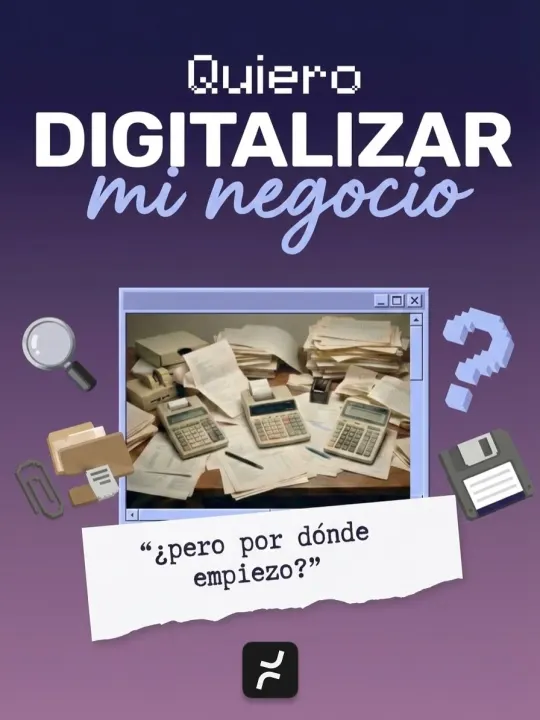
Digitizing isn’t buying computers or downloading more apps. It means your business information lives in one place: every order gets recorded once, anyone with permission can see where it stands, and you can see how the month is going without asking five people.
And if you run a small or midsize business, you probably have the equipment already. In Mexico, preliminary results from INEGI’s 2024 Economic Census show that 86.2% of small businesses (11 to 50 people) and 92.8% of midsize ones (51 to 250) used computers in 2023, compared with 22.3% of micro businesses. The challenge is rarely the hardware. It’s that orders live in WhatsApp, inventory in a spreadsheet and agreements in the owner’s head.


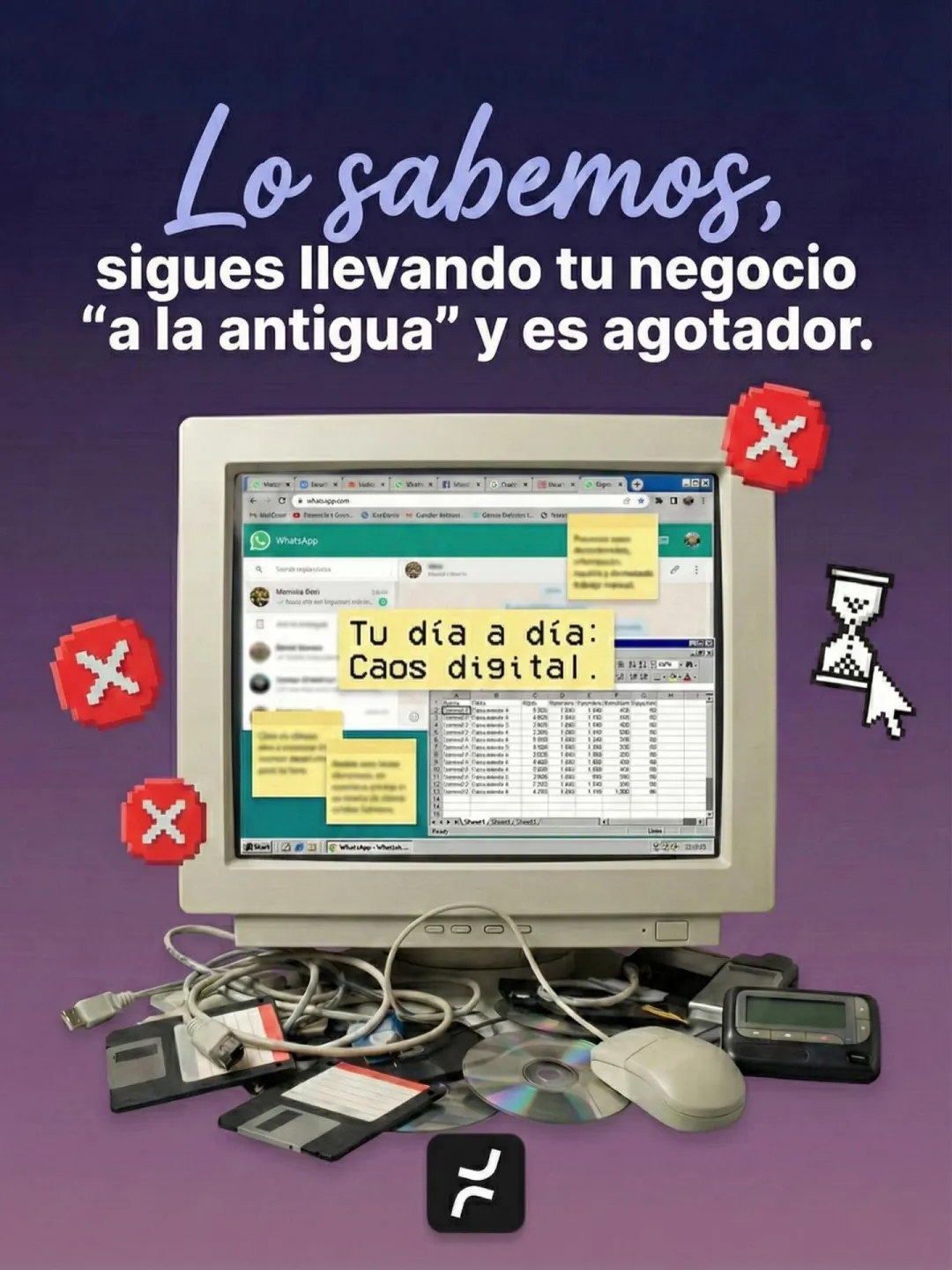
How can you tell you’re still running your business “the old way”?
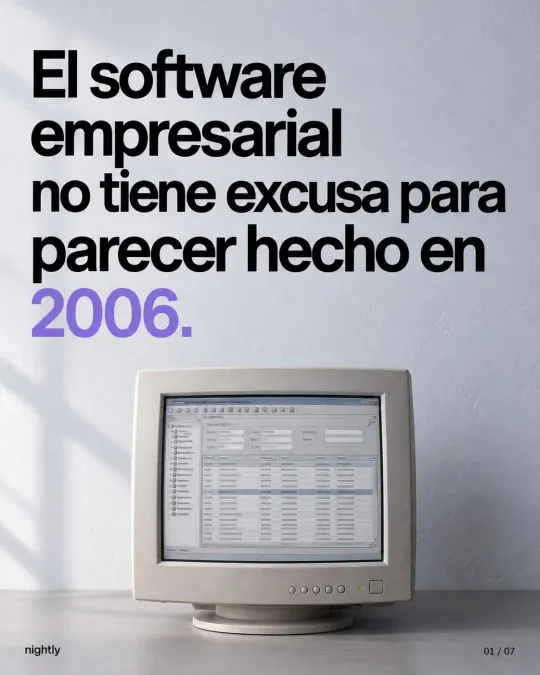
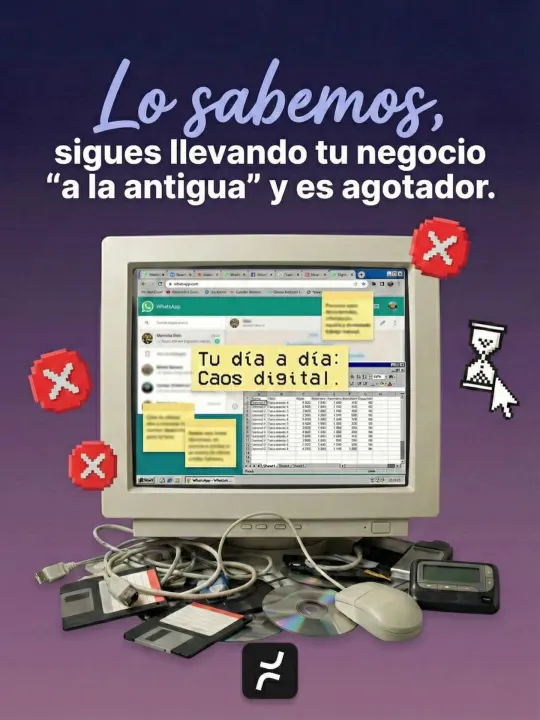
“The old way” doesn’t always mean paper. More often it’s digital chaos. Each problem got solved with whatever was at hand (a WhatsApp group for orders, a spreadsheet for inventory, a notebook for collections), and only one person understands how it all fits together. These are the most common signs:
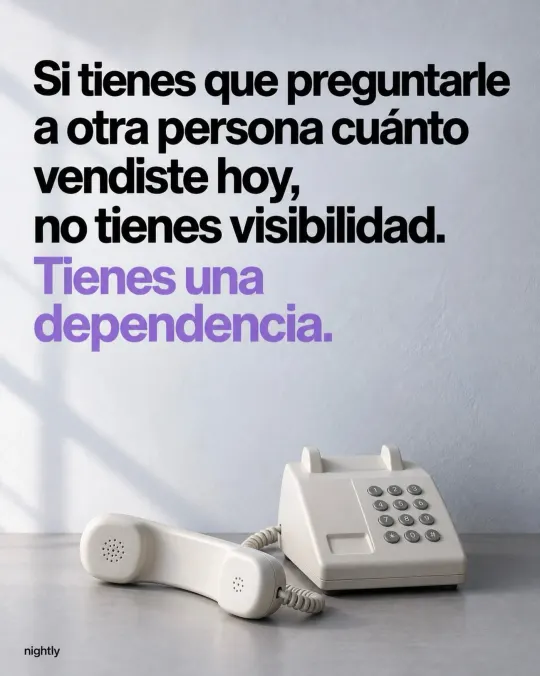
- Everything goes through you. Prices, stock and delivery dates get confirmed with you, and if you don’t answer, the business waits.
- Orders come in five different ways. WhatsApp, phone calls, email and walk-ins, and each one gets written down somewhere different.
- The same data gets entered two or three times. In the chat, in Excel and on the invoice.
- Finding out how the month is going takes work. Someone has to pull files together, and the report shows up late.
- Collections depend on memory. You find out a payment is late when the customer orders again.
None of this shows up on an invoice, but you pay for it every day: hours spent hunting for data, forgotten orders, rush purchases and an owner who can’t take a week off.
One caveat: WhatsApp isn’t the problem. According to INEGI’s 2025 ENDUTIH survey, 90.6% of smartphone users in Mexico use messaging apps, so your customers will keep writing to you there. The problem is when an order gets stuck in a chat nobody else can see.
Where should you start digitizing your business?
With a single process, in this order:
- Pick the process that costs you the most. The one that repeats most and causes the most mistakes: orders, inventory, quotes, scheduling or collections.
- Write down how it works today. Follow one real order: who takes it, where it gets recorded, who approves it and what the customer is told. We walk through the exercise in 7 signs your business has outgrown Excel.
- Measure your starting point. Two or three numbers are enough: how long it takes, how many errors there are and how many hours go into entering or looking for data.
- Clean up your core lists. One master list of customers, products and prices, each with a unique code. It’s tedious, and it’s what saves the most time later.
- Move that process into one place. Everyone records there, once, as it happens. It can be off-the-shelf software or a system built around how you work, but only one.
- Automate the repetitive parts. Once the process is in order, notifications, reminders and reports can go out on their own. If your customers live on WhatsApp, see what you can and can’t automate there.
- Measure again, then move on to the next process. If the numbers improved and nobody went back to the notebook, connect the next area.
Which process should you digitize first in your industry?
It depends on where the money is leaking. These are common starting points, not rules:
| Industry | Where it usually hurts | First process to organize |
|---|---|---|
| Manufacturing | Nobody knows where each order stands, and materials run out without warning | Production orders and raw materials inventory |
| Distribution | Orders lost in WhatsApp and stock counts that don’t match | Orders and inventory by warehouse |
| Services | Schedules out of sync and quotes built by hand | Scheduling, quotes and follow-up on every job |
| Retail | Counter sales that never show up in inventory | Point of sale connected to inventory |
Two real examples. Sumiplas, a plastic bag manufacturer, left its Excel files behind and now sees each production order’s progress in real time. Cleanly coordinated its cleaning jobs by phone and text. Today its customers get quotes online, and every job is closed out with before-and-after photos.
What shouldn’t you buy yet?
You don’t need more tools you won’t use. You need clarity and a clear path. Until your first process is in order, hold off on these:
- An ERP for every department at once. It forces you to change everything at the same time. If you’re torn, Off-the-shelf ERP or custom software: how to decide compares the two paths.
- An app for every problem. Each subscription adds a cost and one more place where information gets lost. Executive Engineers worked across WhatsApp groups, OneDrive, iCloud and scattered notes. Bringing everything into one platform cut their subscription costs and admin workload by 80%.
- AI or chatbots. They work with the information you give them. If it’s scattered across chats and files, they’ll answer with the same mess.
- A dashboard with 30 metrics. Start with three numbers you’ll actually check every week.
What does make sense from day one is keeping the accounts your business owns, like email, your domain, social media, bank accounts and payment platforms, under your control. If a vendor runs your system, ask for your own admin user, a list of who has access and, in writing, how you can export your data. To vet any vendor, use these 10 questions.
How do you know if going digital worked?
By comparing the same numbers before and after. It sounds obvious, but many businesses don’t measure at all. In INEGI’s 2018 ENAPROCE survey, with data from 2017, 66.5% of Mexican micro businesses didn’t track a single performance indicator. Among small and midsize businesses, 28.2% tracked three to five, and 8.8% tracked ten or more.
For your first process, pick three of these:
| What to measure | Sign that it worked |
|---|---|
| Minutes per order or quote | They drop and no longer depend on one person |
| Errors and lost orders per week | They drop, and you know where each one happened |
| Hours a week spent entering or hunting for data | They drop, and that time goes to selling |
| Days it takes to see sales or collections | You check them without asking anyone |
| Records in the system versus records in the notebook | Nobody goes back to the notebook |
Measure before you start and again four to eight weeks later. If your team barely uses it, check whether the system added steps before you blame them.
Can you do it yourself, or do you need help?
You can handle the first four steps yourself with a notebook or a spreadsheet. Get help when the process spans several departments, when the software you’ve tried forces you to work its way or when you need to connect tools that don’t talk to each other.

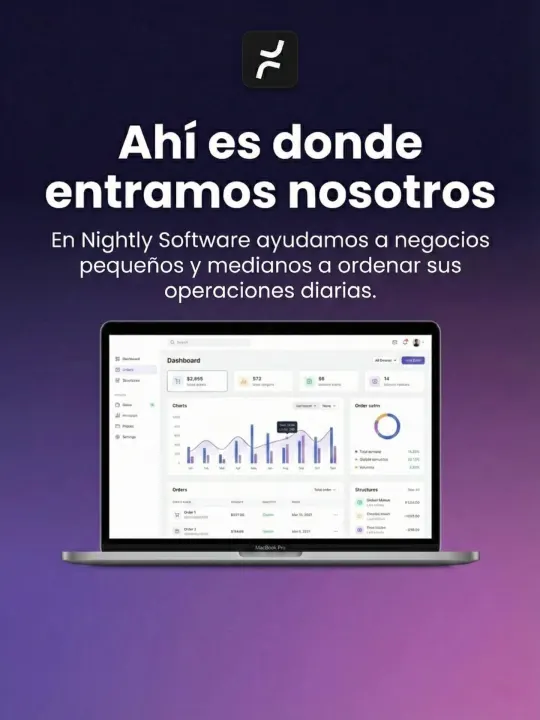
At Nightly, we look at the process first and choose the tool second: a website, a system or a single automation. Urgent issues get solved in hours, and most projects are ready in about a week. Larger systems are delivered in stages, each with its own date in writing. And your data is always yours: you can export it whenever you want.
If you don’t know where to start, let’s talk. In a free consultation, we look at how your team works and tell you which process to tackle first, even if the answer is a well-built spreadsheet. See how we approach custom software development and business process automation, or book your consultation. Pricing depends on scope, and we send it to you in writing after the consultation.
Frequently asked questions
The process that repeats most and costs you the most today, such as orders, inventory, quotes, scheduling or collections. Before you choose a tool, write down how that process works and measure how long it takes and how many errors it has, so you can compare afterward.
No. WhatsApp can stay your channel with customers, and Excel is still useful for analysis. What changes is where operations get recorded: the order lives in one system, and notifications and reports come from there.
It depends on how many processes, people and integrations you include. Starting with a single process keeps the investment contained. At Nightly, pricing depends on scope, and we send it to you in writing after the free consultation, with stages and delivery dates.
Sources
- Statistics for Micro, Small and Medium Enterprises Day (Press release 71/25), in SpanishINEGI
- National Survey on the Availability and Use of Information Technologies in Households (ENDUTIH) 2025, in SpanishINEGI
- National Survey on the Productivity and Competitiveness of Micro, Small and Medium Enterprises (ENAPROCE) 2018, in SpanishINEGI
Based on our post on Instagram.
Last updated: