
What permissions should an AI agent get in your business?
A chatbot answers. A connected agent acts inside your systems. Before you plug one in, decide what it can read, what needs your approval and what stays off-limits.
What changes when AI stops answering and starts acting?
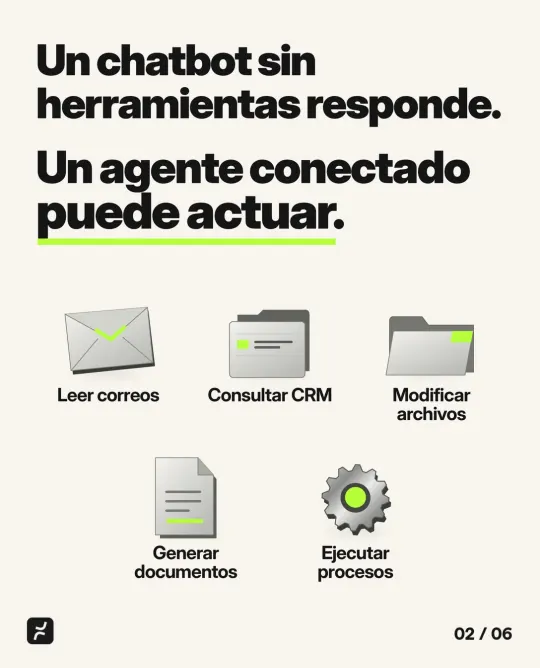
A chatbot without tools only answers: you ask it something and it replies with what it knows or what you share with it. An AI agent is different, because it’s connected to your systems and can act. It can read email, look things up in your CRM, edit files, create documents and run entire processes, like entering an order or sending a quote.
That connection is what makes it useful, and it’s also what changes the risk. OWASP, a foundation focused on software security, includes excessive agency in its list of top risks for AI applications: the weakness that lets an AI system do something harmful when it makes a mistake, misreads an instruction or gets manipulated. The more an agent can do, the bigger the possible damage.



Why does a connected agent change your company’s security?
Because it becomes one more user in your systems, with two important differences. It works very fast, so a mistake can repeat many times before anyone notices. And it follows the text it reads: if an email or a document contains hidden instructions, the agent may treat them as orders.
OWASP illustrates this with a simple case. An assistant only needed to read emails to summarize them, but the tool it used could also send them. A malicious email tricked it into searching the mailbox for sensitive information and forwarding it to the attacker. Read-only access, or a person reviewing every outgoing email, would have prevented it.
According to OWASP, the problem usually comes from one or more of these three kinds of excess:
- Too many functions. The agent only needed to read documents, but the tool also lets it edit and delete them.
- Too many permissions. It signs in with an account that can see everything, even though its task only needs a small part.
- Too much autonomy. It makes important changes without anyone confirming them.
Large companies are already reacting. On September 17, 2026, Business Insider reported that JPMorgan had set a $2,000 monthly spending limit for some employees using Claude Code, Anthropic’s coding assistant, and is moving some engineers to an isolated environment that restricts the AI’s access to employees’ credentials and internal systems. In April, the bank’s global chief information security officer, Pat Opet, had described the goal: agents that have “an identity, but no entitlements.”
What permissions should an AI agent have?
The minimum its task requires, and nothing more. NIST, the US standards agency, defines least privilege as restricting the access privileges of users, or of processes acting on their behalf, to the minimum necessary to accomplish their tasks. An AI agent is exactly that: a process acting on someone’s behalf.
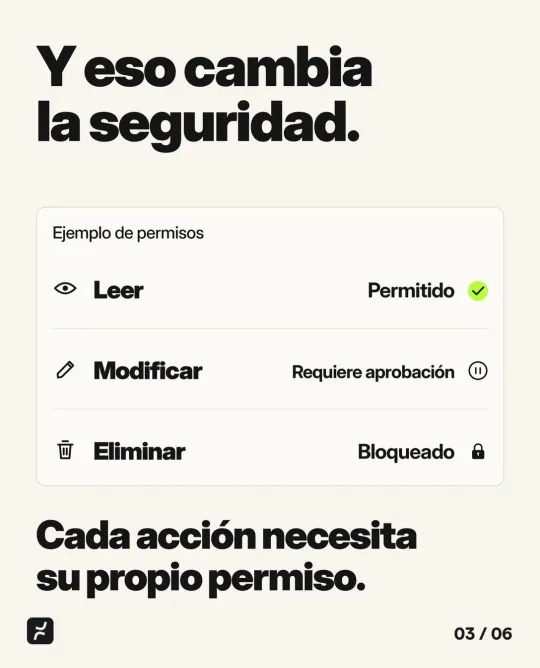
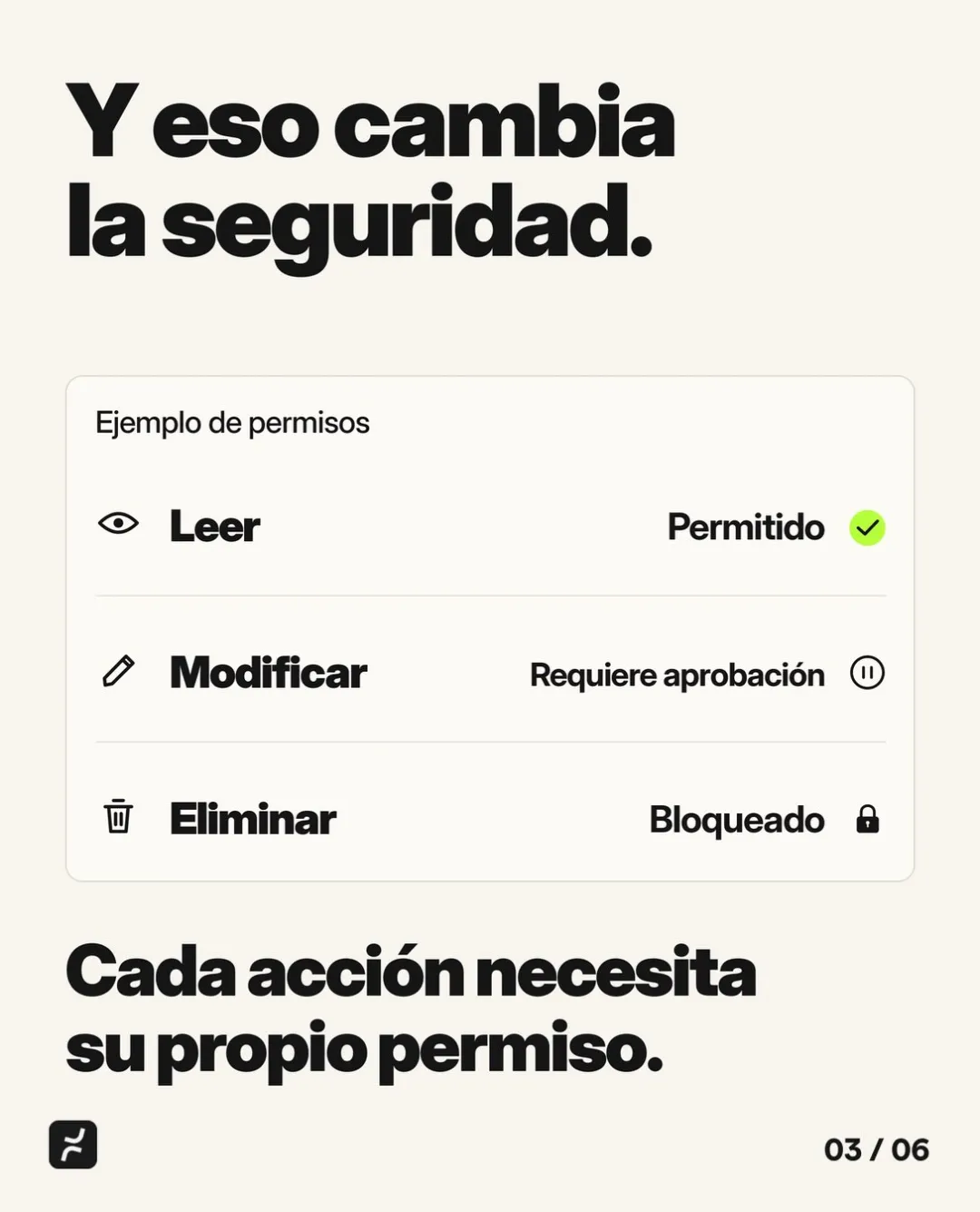
In practice, think in actions, not systems. It isn’t enough to decide whether the agent can get into your CRM. You need to decide what it can do once it’s there. Every action needs its own permission:
| Action | Example | Suggested permission |
|---|---|---|
| Read | Check stock levels or a customer’s history | Allowed |
| Prepare | Draft a quote or a reply | Allowed, as a draft |
| Edit | Change a price, an order or a CRM record | Requires approval |
| Send | Email or WhatsApp a customer | Requires approval |
| Delete or pay | Delete records or approve payments and transfers | Blocked |
Take a distributor. The agent can read the orders that come in by email, check stock and enter the order in the system, and a person confirms it before it goes out. What it doesn’t need is the ability to change prices or cancel invoices.
One important detail: the limit has to live in the system, not in the instructions. Telling the agent “don’t delete anything” isn’t a permission. Taking away its ability to delete is. That’s what OWASP recommends: have your systems check every action instead of letting the AI decide whether it’s allowed.
If you wouldn’t give a new hire full access, why give it to an AI?
Think about how you bring someone new onto the team. You give them access to what their role needs, someone reviews their work for the first few weeks, and they get more responsibility as they show they can handle it. Nobody hands a new hire the bank logins, every file and the full customer list on day one.

The same logic applies to an agent, with extra care. A new employee hesitates when something looks off. An agent may follow, word for word, an instruction hidden in an email. That’s why it makes sense to treat it as one more user with its own role. In the systems we build, like Curul for a legislative office, each person sees only what applies to them. If an AI agent joins tomorrow, it should follow the same rules.
What should an agent have before it touches your operations?
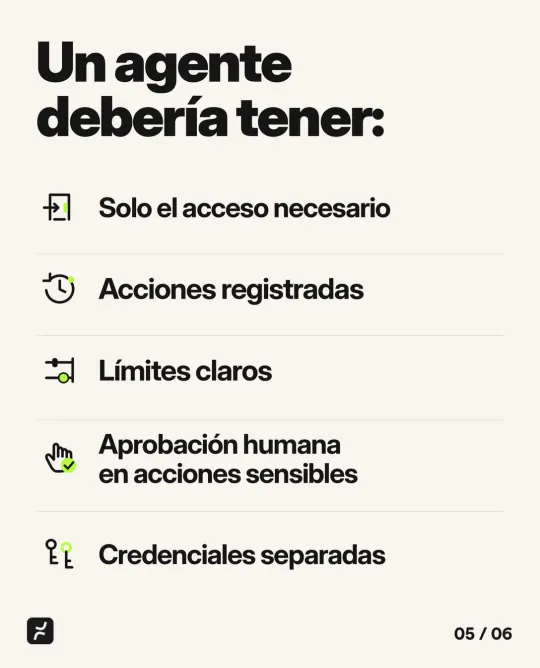
Five things, the same ones you’d require from any user with access to sensitive information:
- Only the access it needs. One task, the tools for that task and, wherever possible, read-only access.
- A record of its actions. What it read, what it changed, when and on whose behalf. Without a record, you can’t review or fix anything.
- Clear limits. Amounts, number of actions per hour, working hours and budget. OWASP suggests capping how many actions it can take in a given period, so you can catch a problem before it grows.
- Human approval for sensitive actions. Messaging a customer, changing prices, paying or deleting goes through a person first.
- Separate credentials. Its own login and its own access key, never the owner’s or an employee’s password. That way you can tell what the agent did from what a person did, and you can disconnect it without affecting anyone.
And you still need to decide who can switch it off. NIST’s AI Risk Management Framework recommends defining how people oversee AI and having mechanisms, with assigned responsibilities, to deactivate a system that behaves differently than intended. In a small company, something simple is enough: one person in charge and a written procedure to revoke its access right away.
How do you start using AI agents without putting your operations at risk?
With one specific task and permissions that grow with trust:
- Pick a task with a clear payoff, like sorting order emails or preparing quotes. Our article on getting a real return from AI explains how to choose one.
- List the actions it needs and mark each one as allowed, requires approval or blocked.
- Create its own login with those permissions and nothing else.
- Start in draft mode. The agent prepares and a person approves for the first few weeks.
- Review the log every week and expand permissions only where the results justify it.
- Decide who disconnects it and how its access gets revoked.
One example of a specific task: in the platform we built for Executive Engineers, AI helps capture receipts and digital cards, inside a system whose security follows ISO 27001 standards.
Before you connect AI, it also helps to know who else has access to your accounts today. If you’re not sure, start by checking who holds the digital keys to your business.
If you’re thinking about connecting AI to your email, your CRM or your business system, let’s talk before you give it access. In a free consultation, we look at which task is worth automating, what permissions it needs and how every step gets recorded. See how we approach business process automation and custom software development, or book your consultation. Pricing depends on scope, and we send it to you in writing after the consultation.
Frequently asked questions
A chatbot without tools only answers, using what it knows or what you share with it. An agent is connected to your systems, like email, your CRM or your files, and can act: read, edit, send or run processes. That’s why it needs permissions, just like any other user.
It can be, if it only has the permissions its task needs. If it summarizes emails, read access is enough. If it drafts replies, they should stay drafts until a person reviews them. Give it its own login, keep a record of what it does and decide who can disconnect it.
It depends on scope: how many systems it touches, what actions it takes and what approvals it needs. At Nightly, pricing is set after a free consultation and sent to you in writing, with stages and delivery dates.
Sources
- LLM06:2025 Excessive AgencyOWASP Gen AI Security Project
- Least privilege (glossary definition)NIST Computer Security Resource Center
- Artificial Intelligence Risk Management Framework (AI RMF 1.0)NIST
- JPMorgan rolls out Claude changes: $2,000 spending limits and extra securityBusiness Insider
Based on our post on Instagram.
Last updated: