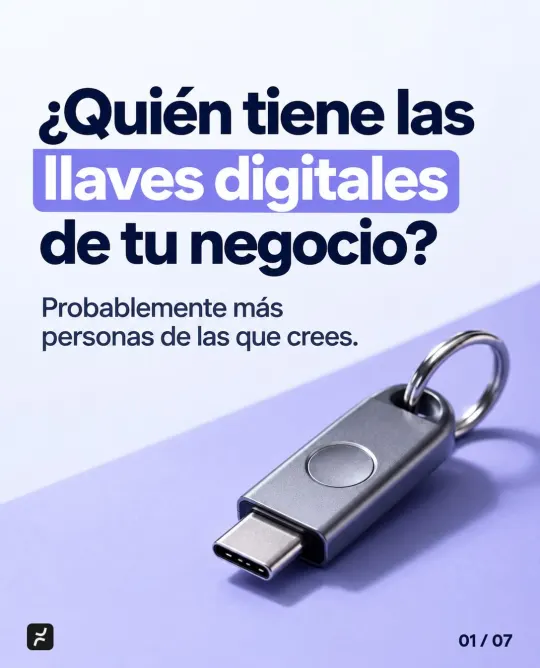
Who holds the digital keys to your business? How to check your access
Having the password doesn’t mean you’re in control. How to find out who else can get into your accounts, remove access nobody needs and make sure you can recover them.
Why doesn’t having the password mean you’re in control?
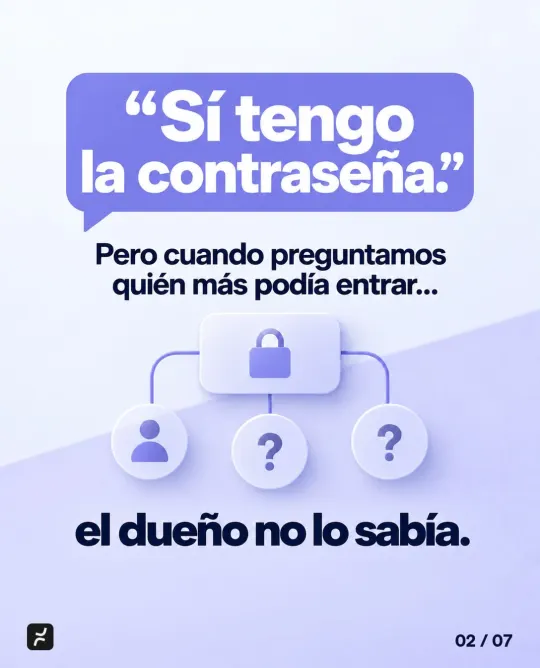
When we review a business’s access, it almost always starts the same way: “Yes, I have the password.” But when we asked who else could get in, the owner didn’t know. We’ve also worked with owners who change their passwords over and over because they no longer know who has them.
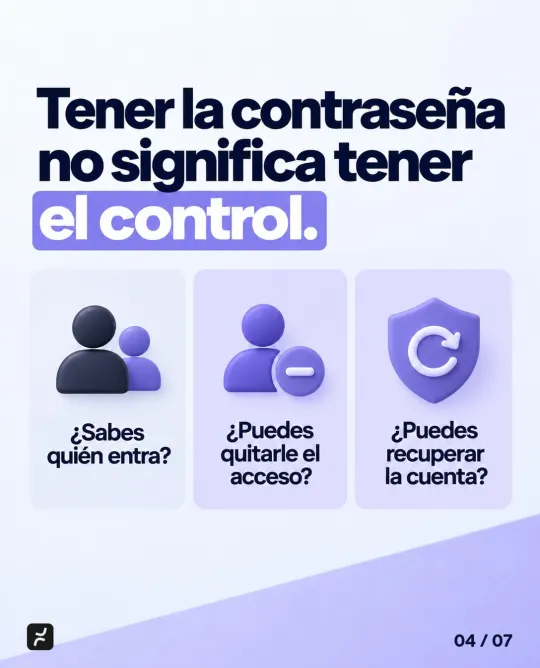
A password only proves you can get in today. Control is something else, and you can measure it with three questions:
- Do you know who gets in? Not just who knows the password, but also who has their own login or admin rights.
- Can you remove their access? From a former employee, an agency or a vendor, without asking anyone’s permission.
- Can you recover the account? If you lose your phone tomorrow, or the person who set it up leaves, which email and phone number does the recovery go to?
Changing the password helps, but it doesn’t fix the underlying problem. If someone else is an admin or controls the recovery email, they can get back in whenever they want.
How does a business lose control of its accounts without noticing?
Rarely out of bad faith. It happens little by little, because someone set up the account with whatever they had at hand:
- The person who set up your email used their personal cell phone as the recovery number.
- The agency that created your social media page is its only admin.
- Your web developer registered your domain with their own details.
- The password to your main account has been passed around on WhatsApp for years.
- An employee who left still has an active login.
Your domain deserves special attention, because your website and email depend on it. In a post on good practices, ICANN, the organization that coordinates internet domain names, notes that letting a third party such as your hosting provider or web developer be listed as the registrant of your domains is generally not considered a good practice. That third party could transfer them to another registrar, and getting them back can take lawyers and legal proceedings, with no guarantee of success.
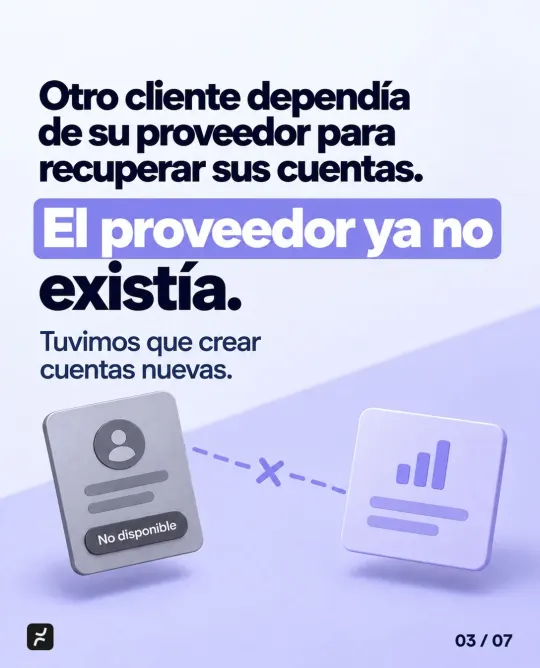
And sometimes the vendor simply disappears. Another client depended on their provider to recover their accounts, and the provider no longer existed. We couldn’t recover them and had to create new accounts.
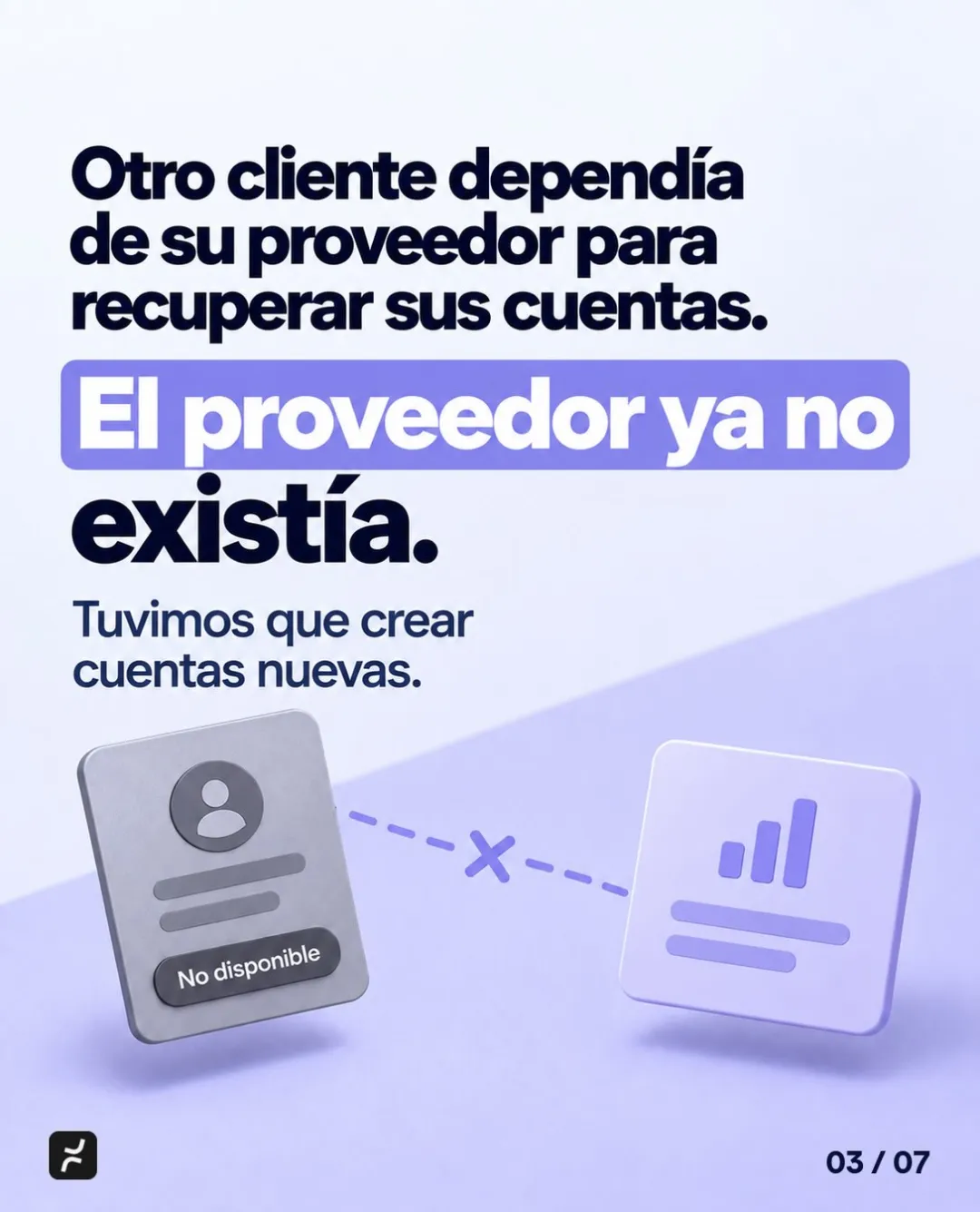
Sometimes recovery is possible. At SpacePort MX, the original developer disappeared and the website kept going down. We recovered the access and handed it back to the client. But it’s not worth counting on luck.
Which accounts should you check?
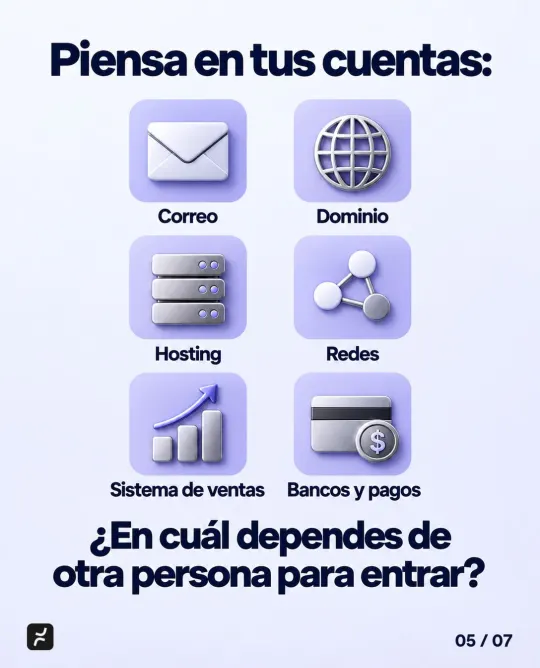
Think about everything your business runs on, and ask yourself which ones you depend on someone else to get into:
| Account | Why it matters | What to write down |
|---|---|---|
| It’s how you recover almost every other account | Who the admin is, and which email and phone the recovery goes to | |
| Domain | Your website and email depend on it | Who’s listed as the registrant, when it expires and who gets the notices |
| Hosting | It’s where your website lives | If you signed up for it, who can log in. If your vendor provides it, see the section below |
| Social media | Your everyday channel with customers | Who the admins are and who posts |
| Sales system | Your customers, orders and payments | Your own admin login and how you export your data |
| Banks and payments | Your money | Who has a login and a security token, and who approves payments |
Start with email. Whoever controls the recovery email can reset the password on almost everything else.
How do you delegate the work without losing control?
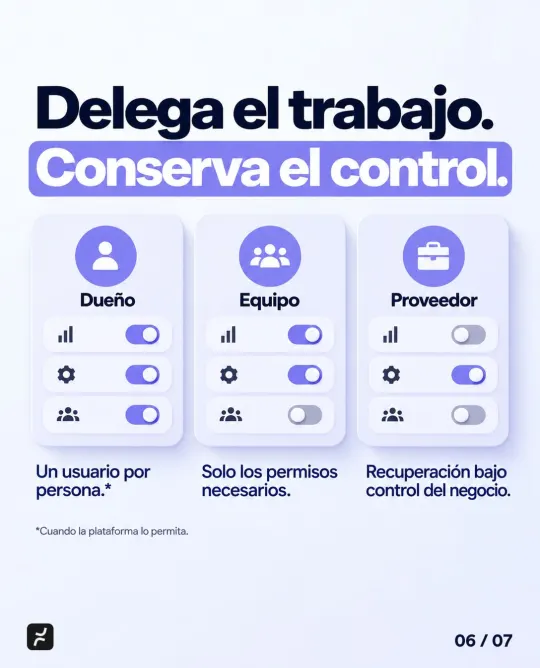
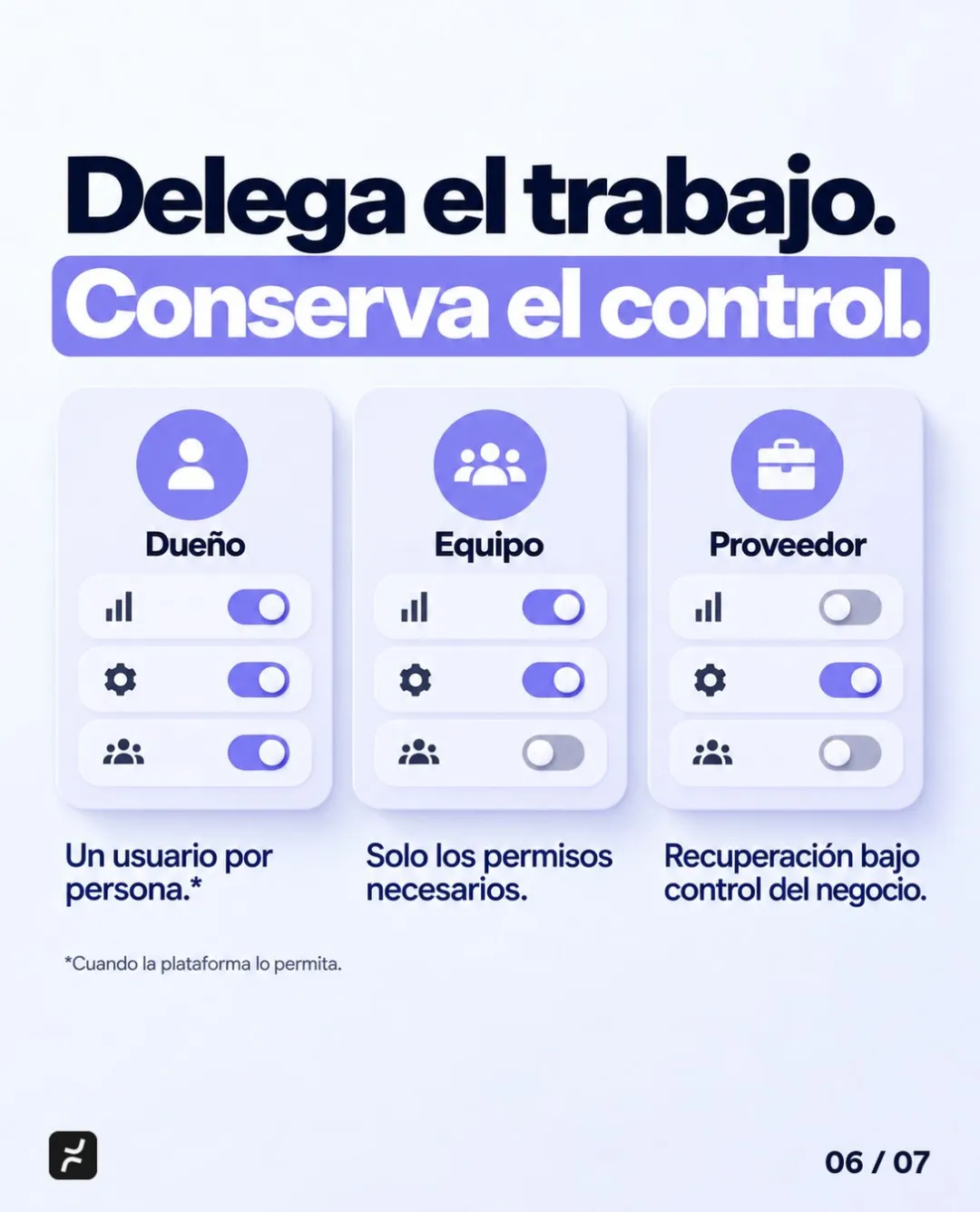
Delegating is fine. Your accountant, your agency and your software vendor need access to do their jobs. The key is that they get in with their own access, not yours:
- One login per person, where the platform allows it. That way you know who did what, and you can remove one person’s access without changing everyone’s password. In its guide for Google Workspace, Google advises against sharing admin accounts, because then you can’t tell who made each change.
- Only the permissions each person needs. Whoever posts on social media doesn’t need to manage the account, and whoever enters payments doesn’t need to approve them. That’s what Cyber Essentials, a guide for small business leaders from CISA, the US cybersecurity agency, calls for: grant access based on what each person needs to know, and keep an inventory of user accounts, vendors and business partners.
- Recovery under the business’s control. The recovery email and phone should belong to the business, not to an employee or a vendor. It also helps to have two trusted admins: Google recommends more than one super admin account, each managed by a different person, so one can step in if the other is lost.
There’s an important difference here. Accounts your business owns, like email, your domain, social media, bank accounts and payment platforms, should be under its control. Systems a vendor builds and runs for you work differently: it’s normal for the vendor to manage the servers and the code. What you need is your own admin login, a list of who has access, including the vendor’s staff, and the right to export your data, in writing.
That’s how we work at Nightly: we host and maintain the systems we build, and your data is always yours: you can ask for a full export at any time. If you’re about to hire someone, our 10 questions to ask a custom software company cover what to get in writing.
How do you review your business’s access today?
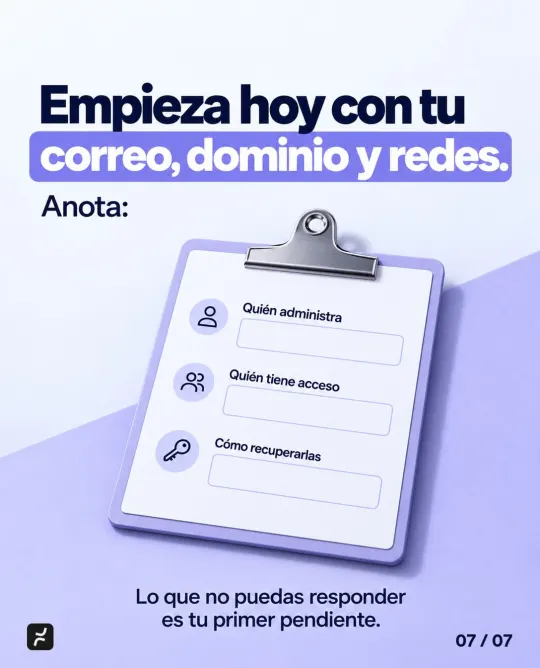
You don’t need to buy anything to get started. Grab a sheet of paper and start with your email, domain and social media:
- Write down who manages each account.
- Write down who else has access: employees, former employees, agencies and vendors.
- Write down how you’d recover it: which email and phone number the recovery goes to, and whose they are.
- Remove access nobody needs and change any passwords that were shared.
- Move recovery to an email and phone the business owns and add a second trusted admin.
- Turn on two-step verification, starting with admin accounts, as CISA’s guide for small businesses recommends. The strongest option is a physical security key, like the one on the cover. The weakest is a code sent by text message.
- Keep passwords in a password manager for the business, not in a chat. CISA recommends a company-wide one: it generates strong passwords, fills them in for you and stores them securely.
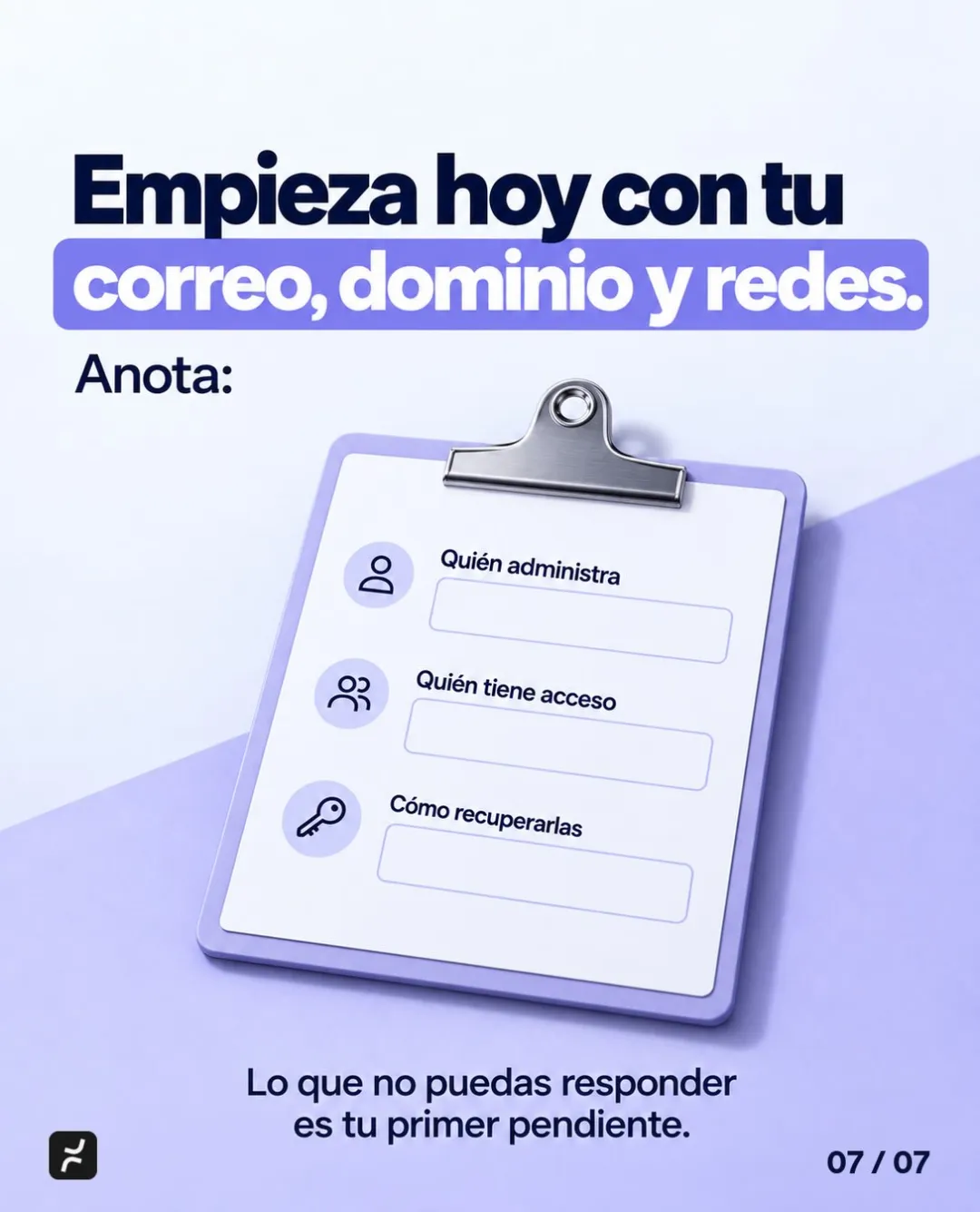
Whatever you can’t answer is your first to-do. Repeat the review whenever someone joins or leaves your team, or when you switch vendors. Cyber Essentials asks for the same thing: procedures for when someone changes roles or leaves the company.
If you’re about to connect AI to your systems, the same logic applies. We explain how in what permissions to give an AI agent.
If your list turned up gaps, let’s talk. In a free consultation, we go over the systems and access your business runs on and tell you what to fix first. See how we approach custom software development, or book your consultation. Pricing depends on scope, and we send it to you in writing after the consultation.
Related
Frequently asked questions
Remove it the same day: deactivate their login or permissions and change any passwords they knew, especially shared ones. Then make sure the recovery email and phone belong to the business, and turn on two-step verification. If the platform keeps an activity log, check what they did recently.
Yes. Your domain is an account your business owns, and your website and email depend on it. Even if a vendor manages it, your business should be listed as the registrant. ICANN notes that letting a third party, like a web developer or hosting provider, be the registrant is generally not considered a good practice.
If a vendor builds and runs your system, ask for your own admin login, a list of who has access, including their staff, and the right to export your data at any time, in writing. And even if they help you manage them, the accounts your business owns, like email, your domain and social media, should stay under its control.
Sources
- Cyber EssentialsCISA
- Require Multifactor AuthenticationCISA
- Require Strong PasswordsCISA
- Good Practices for the Registration and Administration of Domain Name Portfolios (Part II)ICANN
- Security best practices for administrator accountsGoogle Workspace Help
Based on our post on Instagram.
Last updated: